

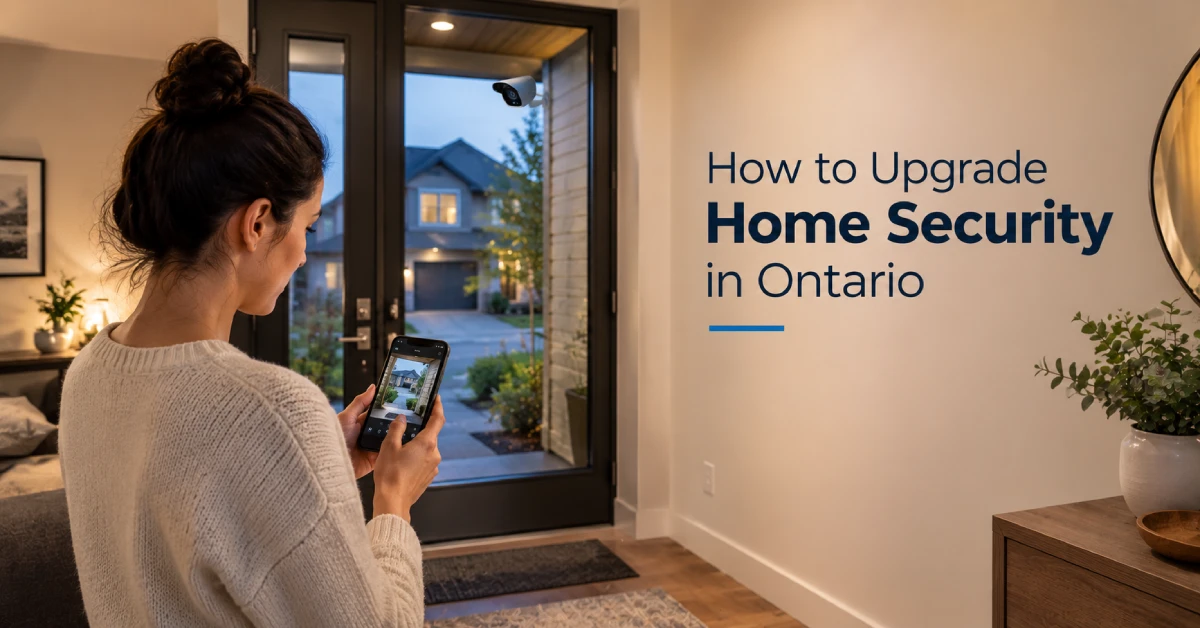
How to Upgrade Your Home Security in Ontario: A Complete Guide
Technology changes rapidly, and the same is true of home security systems. Older systems often offer less protection, leaving you at higher risk. Advanced technology such as Door Access Control, Ceiling Wifi, Home Automation, and CCTV cameras is a perfect solution to protect your commercial buildings and houses.
For homeowners and business owners in Ontario, the right security system will depend on your budget, property size, and specific security needs. This guide explains how to upgrade home security in Ontario and protect your property with solutions that fit your needs.
Start With a Home Security Check
Potential weak spots to consider before purchasing security equipment are Front and back Doors, backyard, driveway, garage and side doors, poor lighting around the home, and movement near the perimeter of the home. Think about what someone could see from outside and whether there are areas where movement would go unnoticed.
An entrance hidden behind a fence and away from the street is likely behind a side of the home that has poor lighting and no camera coverage. This would need additional monitoring.
A basic site evaluation is an important first step in understanding how to upgrade home security without investing in equipment that you may not actually need.
Improve Your Doors and Entry Points
The front door is the starting point in securing your home. All external doors should have high-quality door locks in working order, as should all door frames and hinges.
Consider upgrades such as: Strike plates, Video doorbells, Smart locks, Door and window sensors. Smart locks are also useful for families. Depending on the system, you may be able to unlock and lock the door, generate temporary user codes, and check if the door was locked from a remote location.
If you have lots of comings and goings from visitors, family, or contractors, then it is more convenient to have a controlled access system than a traditional key-based access system.
Install Security Cameras Around the Property
Security cameras have become a standard part of home security systems. Simply having cameras installed is not the security solution. Many factors affect entrance and exit points and the areas around the house that may not be in the line of sight. Professional camera installation an also help ensure that cameras are positioned correctly to cover important entry points while minimizing blind spots.
Installing a camera at the front door may allow you to look at visitors prior to going to open the door. A camera at the driveway may help you to view vehicles and view activities near your property.
When putting up a camera, try to avoid placing cameras at such positions that are obstructed by walls, trees, decorations, or other objects. When placing cameras, try not to allow the camera to capture areas that are reserved for other people’s privacy.
Improve Outdoor Lighting
Most people do not account for their lighting set up when considering upgrades to their home security. Areas of your home in the shade allow people to come and go without being seen.
You don’t need amassive light source everywhere. You just need to remove the dark high areas where intruders can hide. Motion sensor lights will also help notify you when something moves outside when you otherwise wouldn’t have known that.
Secure Your Windows and Sliding Doors
The placement of windows creates perfect entry points. Ground floor and basement windows are the most accessible windows from the outside. Be sure all accessible windows lock and close properly. There are security sensors for windows as well.
Security upgrades should be installed for sliding patio doors as well. Many sliding patio doors would benefit from the addition of a security bar or a second lock.
If you have older windows or doors that no longer properly close, consider how much more secure your home would be with an upgrade, as opposed to installing additional security systems.
Consider a Smart Alarm System
Modern alarm systems integrate multiple security technologies. Instead of having to check each device individually, a system that is connected to others can send alerts through one main hub.
Let’s say your smart door sensor activates and sends you an alert that your door has been opened while you are out of the house. If your system integrates your cameras, you can go to the app to take a look and see what’s going on.
Individual smart devices may not cover all of the many access points to your home or large property. In that case, a security system that is professionally designed to cover more areas may increase your level of protection.
Upgrade Your Home Network
There is another dimension of home security that people tend to miss: WiFi network.
Smart security products consist of cameras, smart locks, smart doorbells, and alarm systems that all require your Wi-Fi network.
For your Wi-Fi network, you want to ensure at the very least the following:
- Use a strong and long password that is hard to guess
- Change the passwords on all your devices
- Keep your router’s firmware updated
- When appropriate, split your networks
- Enable multi-factor authentication on devices that offer it
- Eventually replace your obsolete networking equipment
Having a quality internet connection is important for security cameras to store their data in the cloud and for you to access them outside your home.
Whether you have large or weak areas of your home, improving your network coverage must be considered with the overall security upgrade of your home.
Choose Professional Installation for Complex Systems
AP-LINX IT Solutions offers security solutions at multiple levels. For complex personal requirements, professional installation guides customers through the process of building the systems to the appropriate specifications.
Our professionals can help you understand how to upgrade home security based on your property’s specific needs:
- Determining the best overall positions for security cameras
- Determining what security sensors or access controls are needed for the doors
- Determining the appropriate number of security devices
- Deciding the location of networking devices
- Configuring devices to work best in the system as a whole
- Identifying the best ways to safeguard against working in a blind spot
Whether it is CCTV, security cameras and installation, access control, networking, or the incorporation of smart home devices, having a professional systems design ensures that all of the subsystems function synergistically.
The goal isn’t to install more – it’s to install what your property actually needs.
Final Thoughts
Upgrading your home security isn’t simply about adding more security devices. The key is identifying where weaknesses exist and choosing the right solutions to address them. The key is knowing where weaknesses are present and how best to counteract them. From stronger door protection and CCTV to access control, reliable Wi-Fi, and smart home automation, professional installation helps to simplify management of your home or business.
If you are upgrading your business’s security system in Brampton or in any area of the GTA, AP-LINX IT Solutions is here to help you decide on and install the best solution for your business.
Frequently Asked Questions
1. How can I extend my wifi coverage for my security system?
First, you’ll want to upgrade your networking equipment, as older technology tends to perform worse. Also, be sure to position access points thoughtfully, as their placement can improve coverage immensely. Lastly, don’t forget to find a good wifi setup if you have a larger property as well.
2. How many security cameras are adequate for a home?
There is no straight answer for every case. It depends on the size of the property, entrances, driveway, number of garages, blind spots, areas that need monitoring, etc. This number varies for every home.
3. Are there remote capabilities for home security systems?
Most of the newer systems offer remote control capabilities using a security app. These systems allow you to view the cameras, receive notifications, lock/unlock the doors (smart locks), or control unrelated nodes around the house.
4. What does it cost to upgrade home security in Ontario?
Cost depends on the size of the property and the security devices required. Setting up basic security might require a few devices. On the other hand, larger properties might require multiple devices such as cameras, access control, and networking.
5. How can I make my windows more secure?
First, check to make sure all windows have working locks and close properly. If you have ground-floor or basement windows, you may want to consider adding window sensors or other adjustments to add security.

You must be logged in to post a comment.